
One digital history for every elevator
A lift outlives the sale by twenty years or more. OopsWeSold keeps one record for each lift, from the project that installed it through warranty, AMC cover, every service visit and breakdown, and the documents that go with it.
Maintenance and AMC · Product tour
Lift history, step by step in the real app
Screenshots from the working product, using a fictional demo company. Select any screen to open it full size.
- Step 1
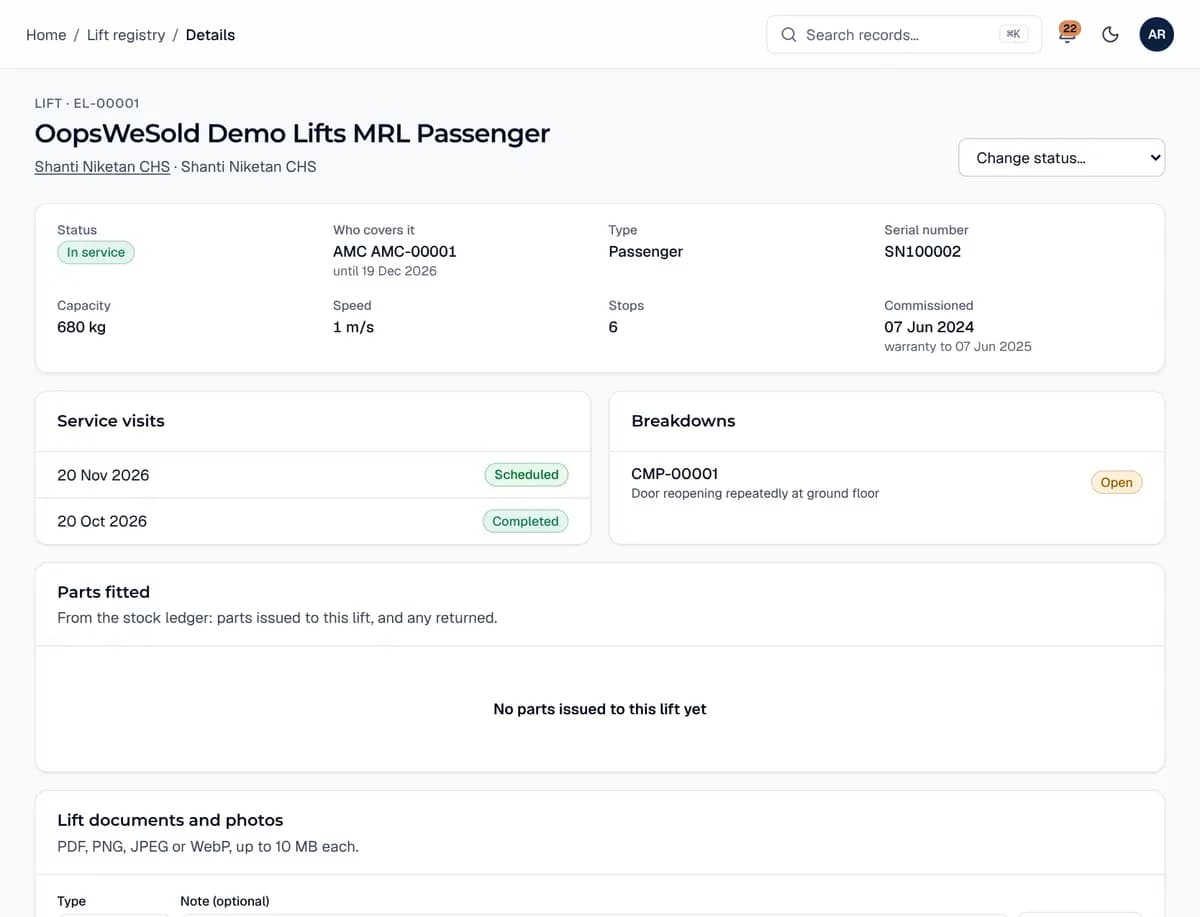
The lift's own page
Specification, serial number, commissioning and warranty dates, and current cover.
- Step 2
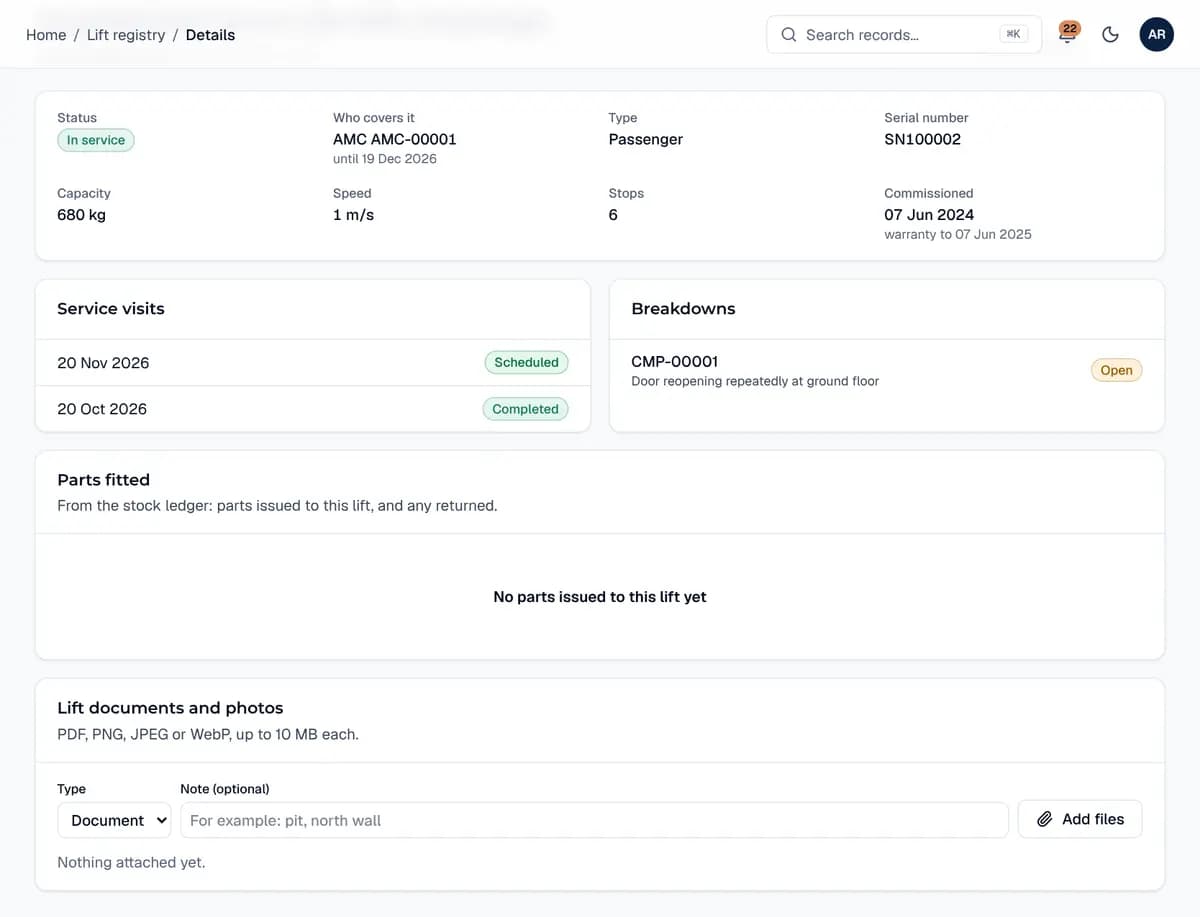
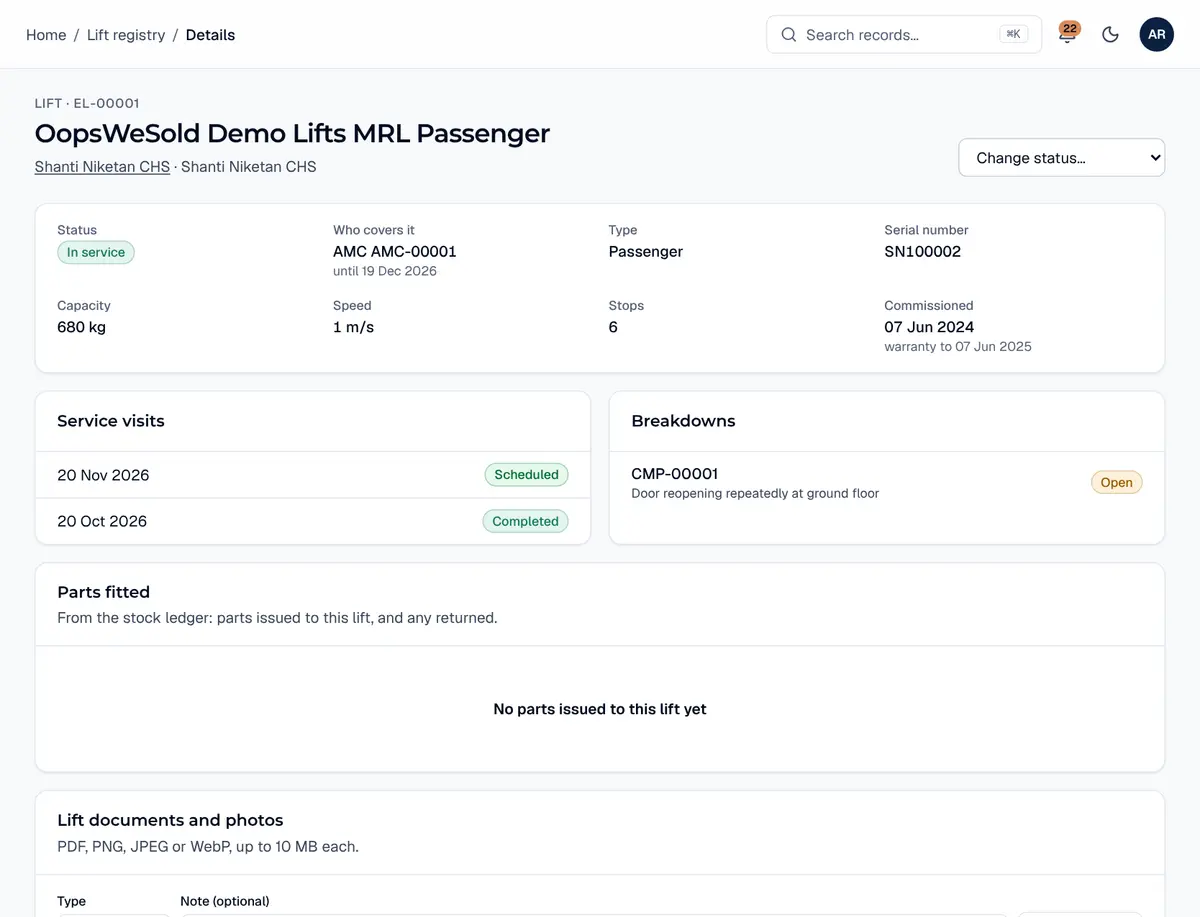
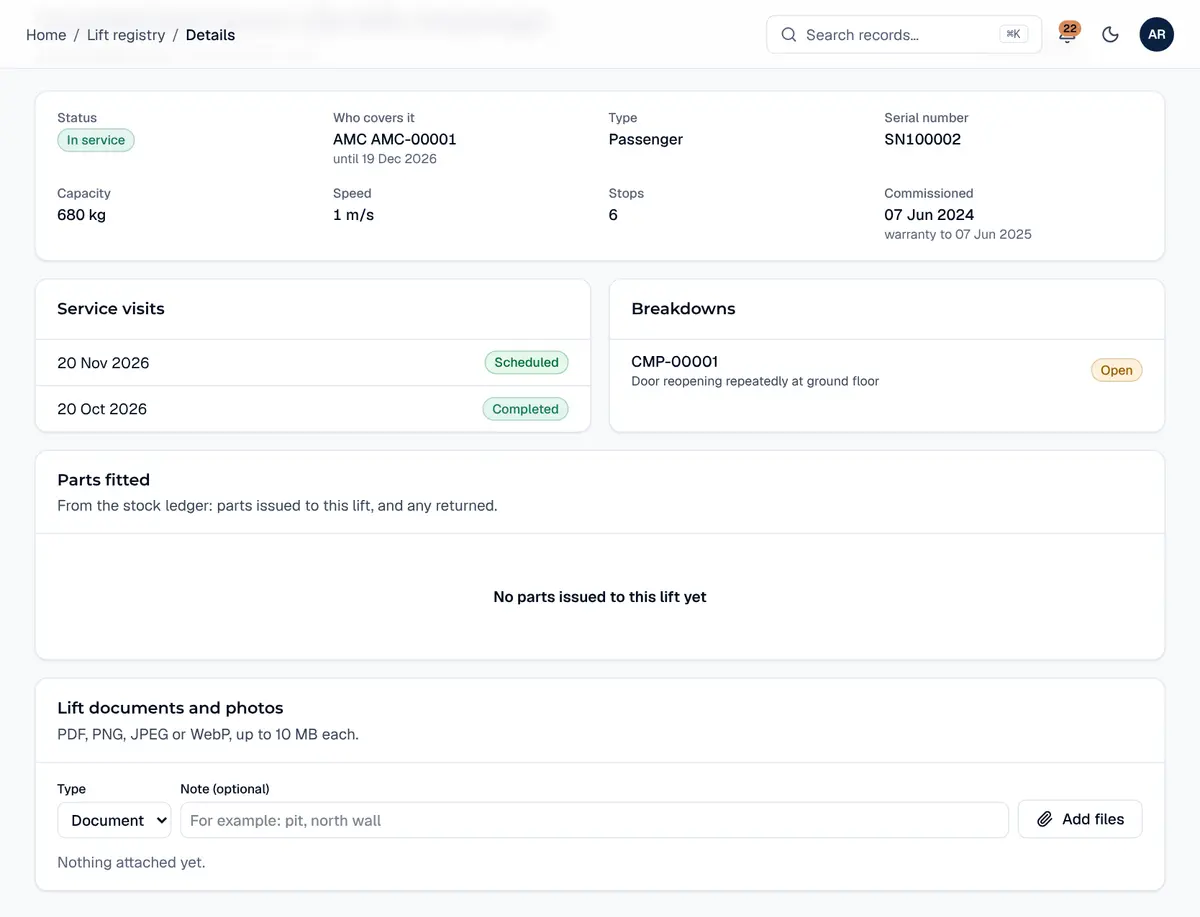
Visits, breakdowns and parts
Service visits and breakdowns newest first, parts fitted from stock, and documents attached to the lift.
How it helps
Context before the call-out
The last visits and breakdowns are on one page before anyone reaches the site.
Born at handover
The record starts from the installation project, so specification and dates are not retyped.
Documents stay with the lift
Certificates, drawings and photos are attached to the lift, not a folder somewhere.
Compared with how it is usually done
Spreadsheets, Tally and general ERPs are good tools for what they were built for. This is where each one fits for this part of a lift business.
| Task | Excel, paper and WhatsApp | Tally or a general ERP | OopsWeSold |
|---|---|---|---|
| See a lift's past problems | Ask the technician who usually goes | Invoices only, if billed | Visits and breakdowns on the lift's page |
| Find its certificates | Shared drive search | Not available | Attached to the lift |
| Know its specification | Old quotation file | Not available | Recorded at handover from the project |
Other elevator software
We have not compared this area across other elevator software yet.
Checked on 24 November 2026, from each vendor's own website. See the full comparison.
Who it is for
- Service managers answering 'what happened to this lift?'
- Owners taking over lifts from other installers
- Technicians who need the history before they open the controller
The problem
A lift's history is split across the sales file, the installation folder, AMC paperwork and technicians' phones. When something fails, nobody can see the pattern.
How it works
- 1
Born at handover
Handing over a project registers each lift with its specification and warranty dates. Lifts installed by others can be added by hand.
- 2
Covered or not
The record shows whether the lift is under warranty, under an active AMC, or uncovered.
- 3
Every visit and breakdown
Service visits and breakdowns stay attached to the lift, newest first.
- 4
Documents
Drawings, certificates, photos and reports are attached to the lift itself.
One lift, its whole history
Select a layer of the lift record. The drawing shows where it belongs and the panel shows the connected records.
Technical configuration
Available now- Type
- Passenger, machine-room-less
- Stops
- 8
- Doors
- Centre opening
- Serial
- SKY-2041-0007
Illustrative demo with a fictional lift. It is not live equipment monitoring and shows no sensor readings.
What you can do today
- Lift code, type, maker, model, serial number, capacity, speed and stops
- Link to the installing project
- Warranty and AMC coverage status
- Visit and breakdown history
- Documents and photos on the lift
- Spare parts fitted to the lift, from the stock ledger
- Search by lift code or serial number
Controls and records
- Branch and assigned-work rules apply to lifts
- Status changes are audited
Not available yet
So there are no surprises:
- Invoices per lift
- QR labels that open the lift record
- Remote monitoring data
Connected to
Questions
Can we add lifts we did not install?
Yes. Lifts taken over from another installer can be added by hand with their details and documents.