
For the modernization manager
Modernize the lift you already know
Modernization starts with an existing lift and its history, not a blank page. OopsWeSold has a modernization product family and quotation type, and the registry gives you the lift's identity, site and cover to start from.
Modernization manager
From an old lift to a modernized one
Real screens from the product, with a fictional demo company. Select a screen to open it full size.
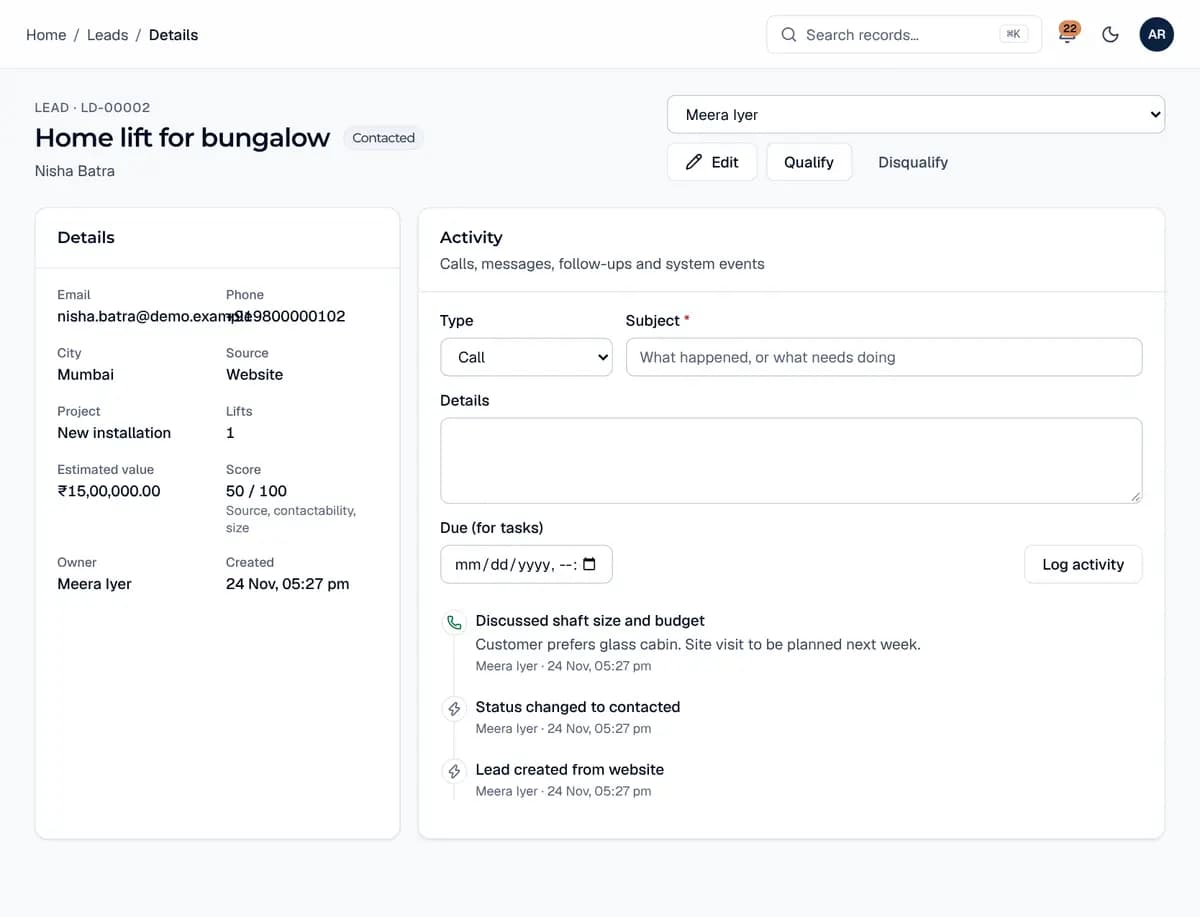
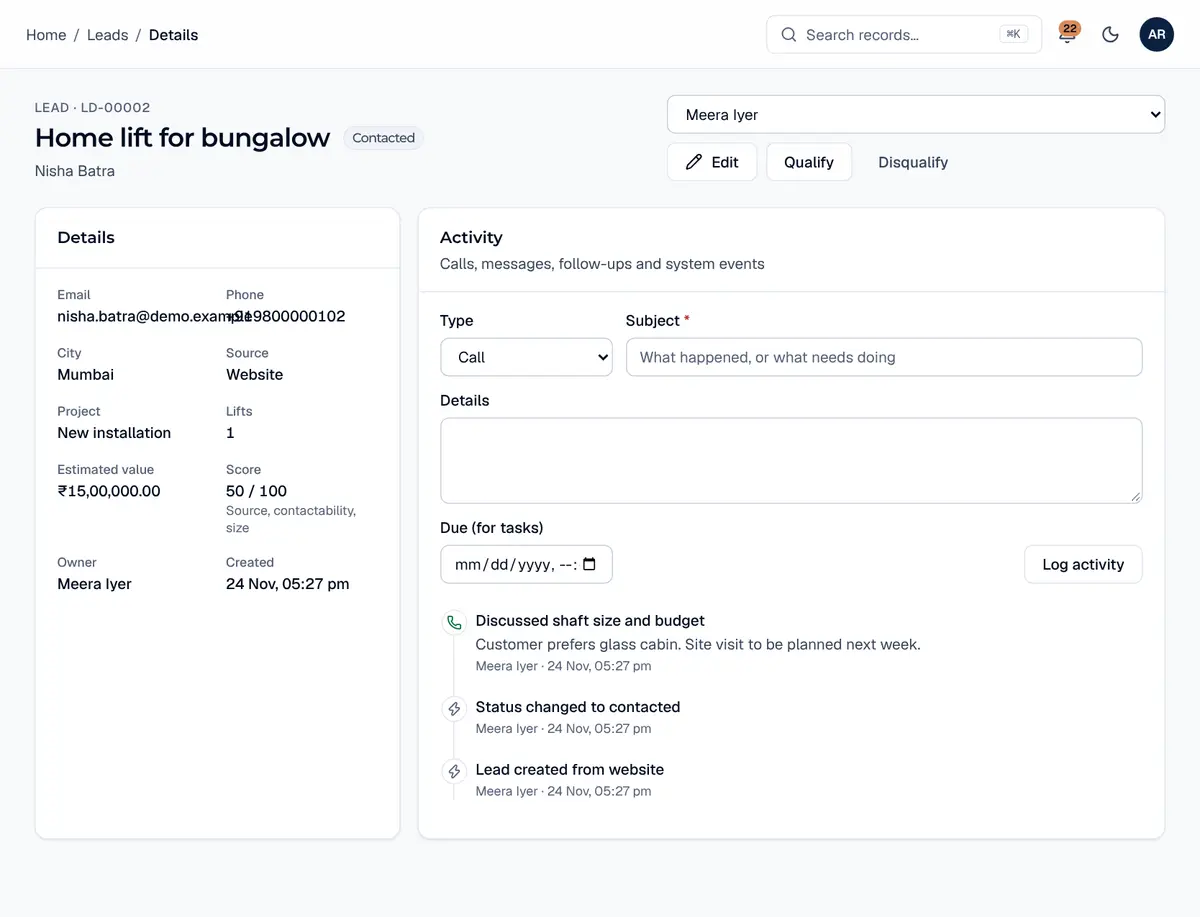
1. Enquiry · Sales
Existing lifts as leads
Record the building, lift count and age, and follow up on time.
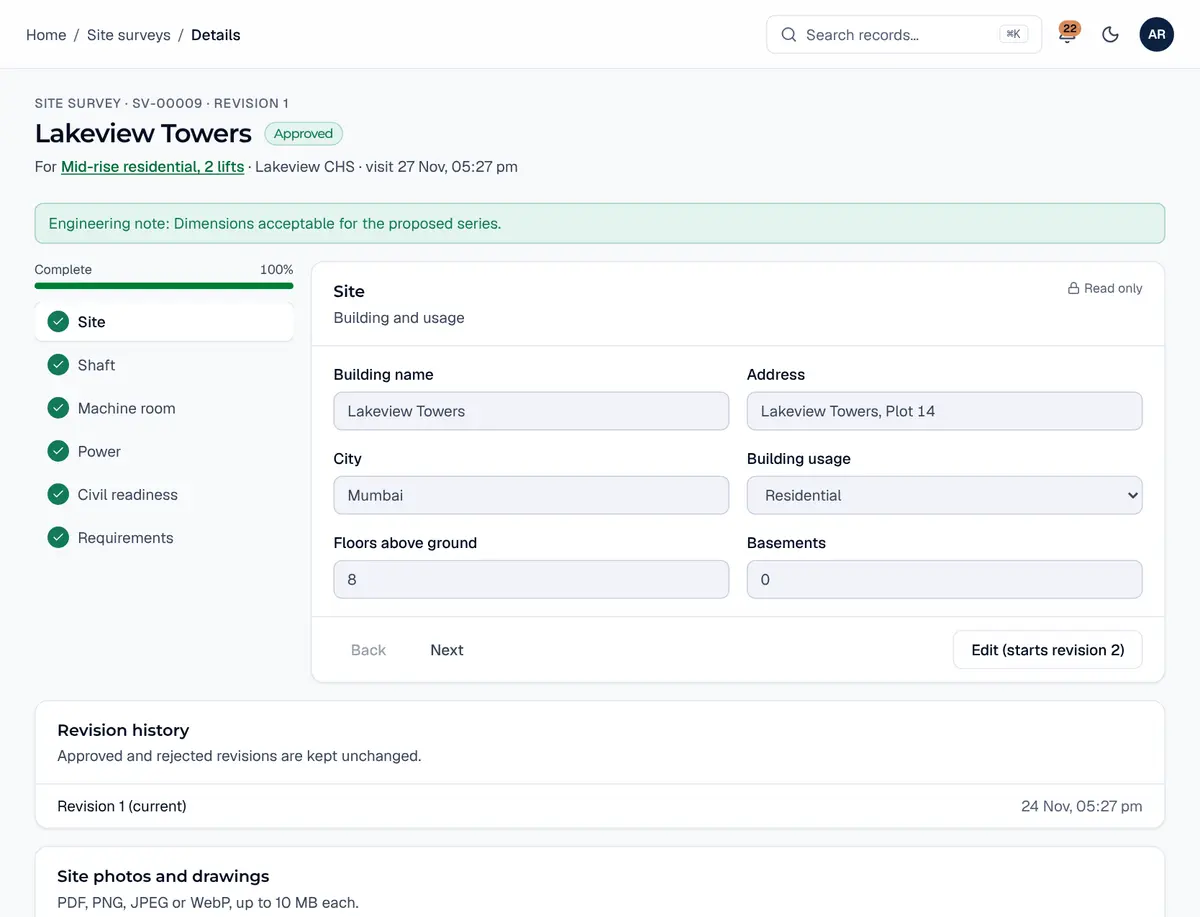
2. Survey · Surveyor
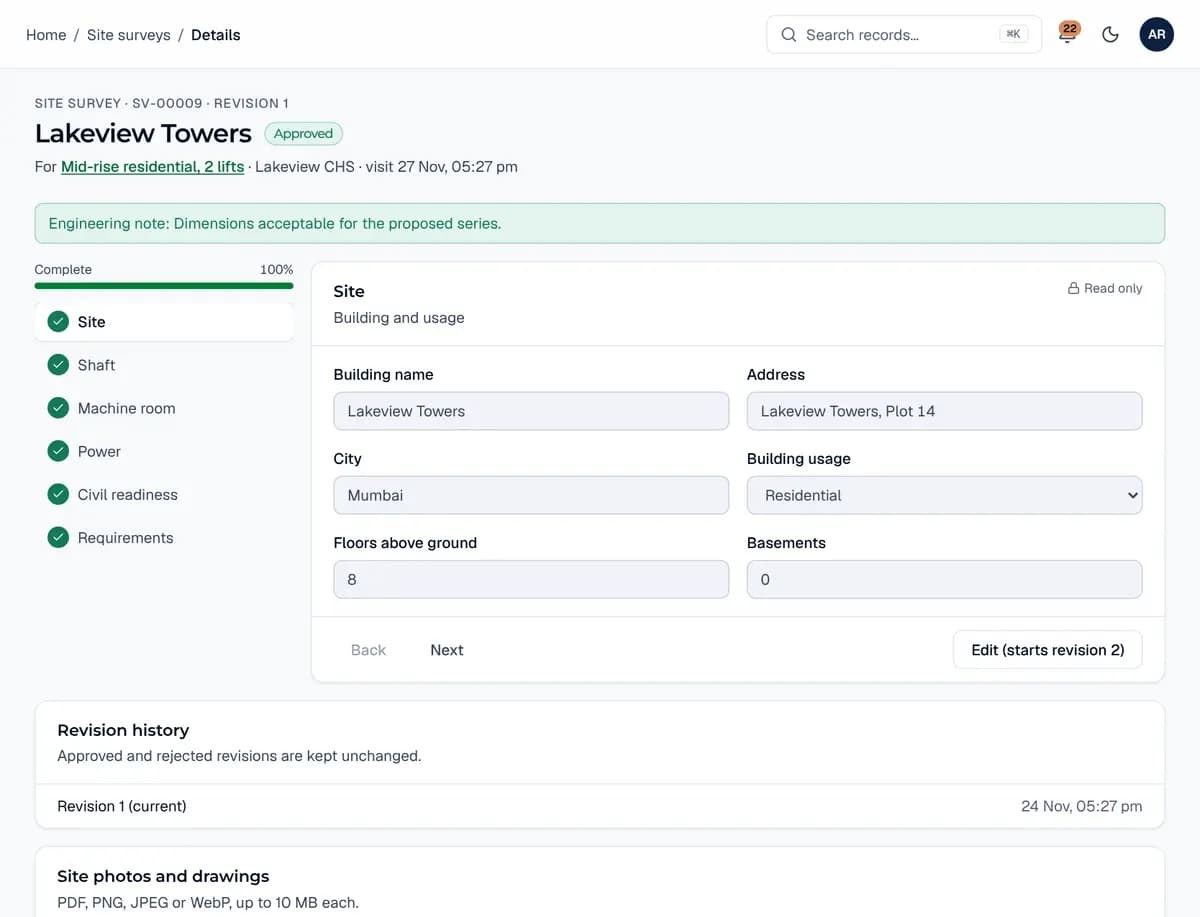
Survey what is there
Shaft, machine room and power recorded, with photos of the existing installation.
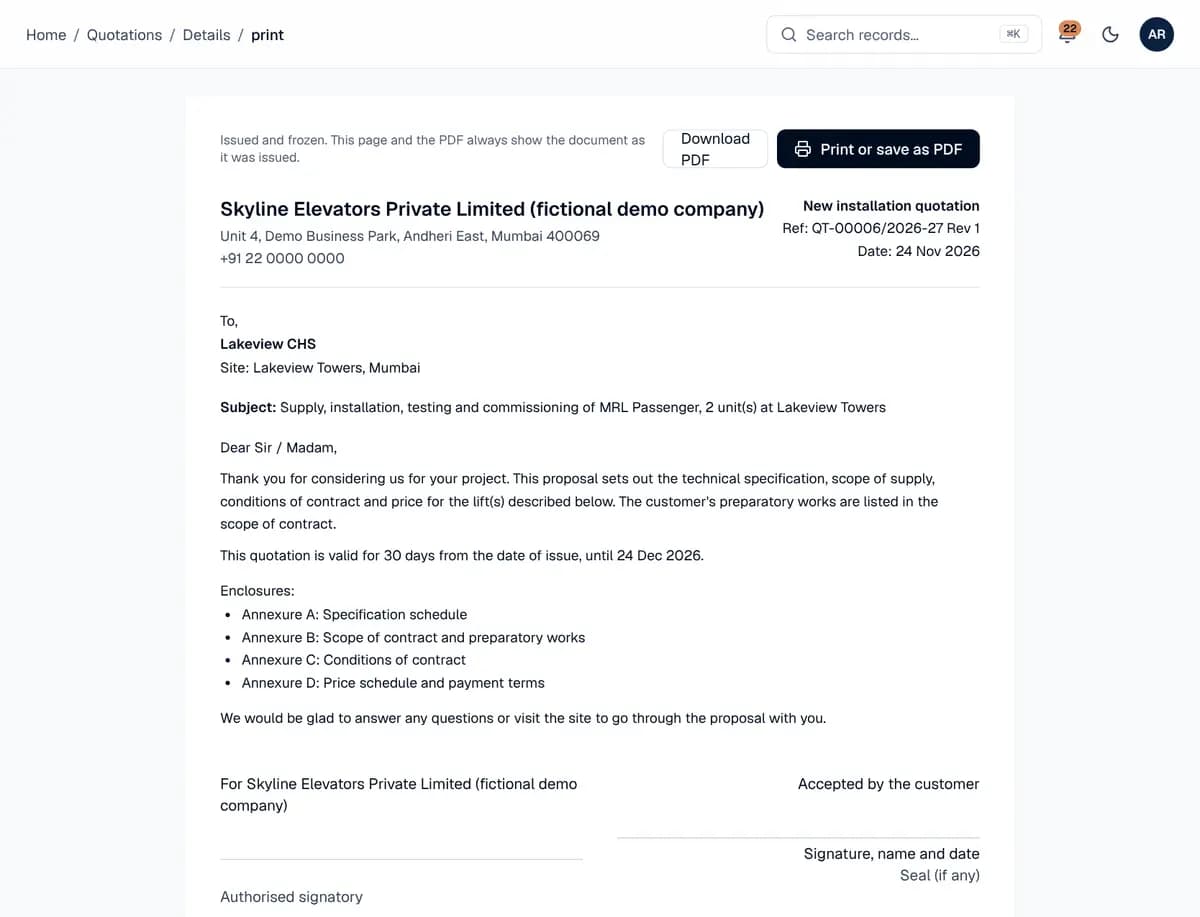
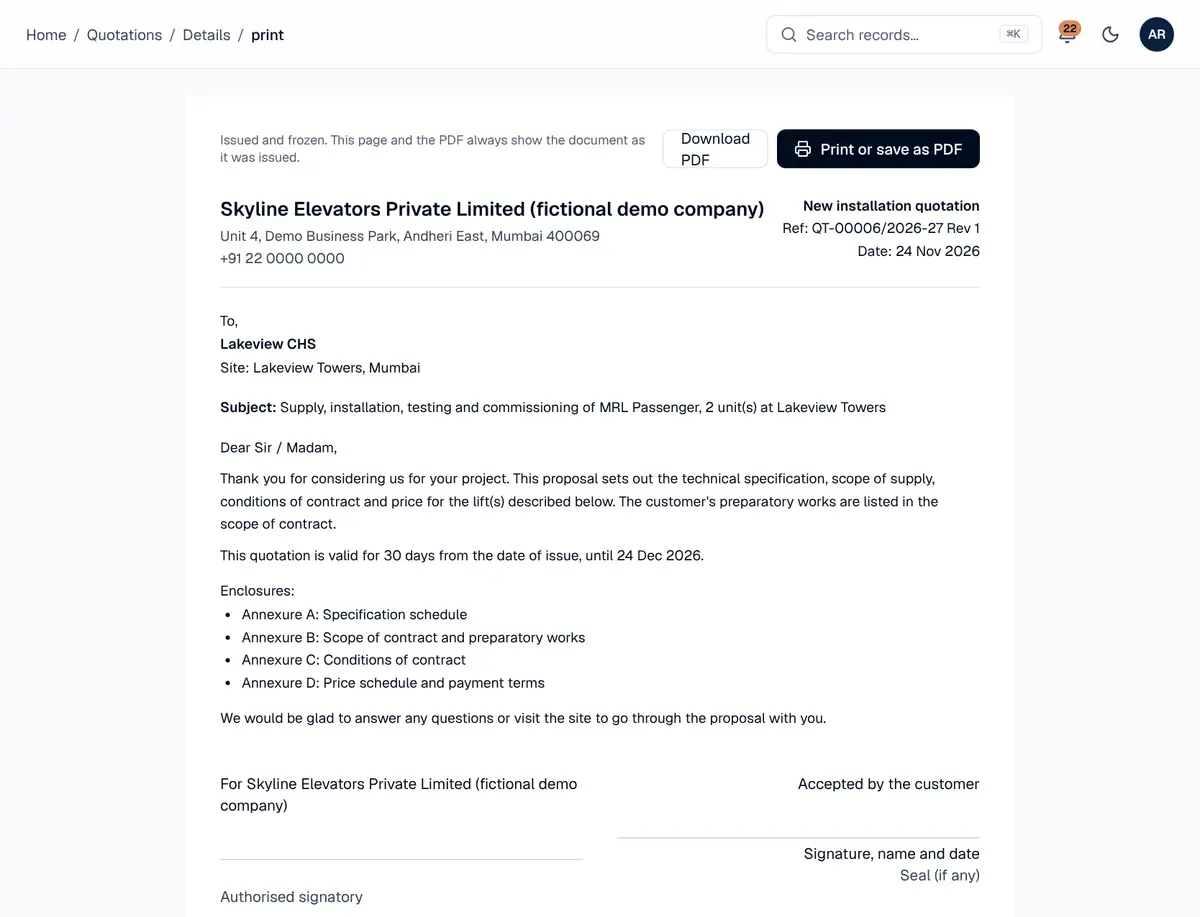
3. Quotation · Sales
A modernization quotation
The modernization template with its own scope, exclusions and conditions.
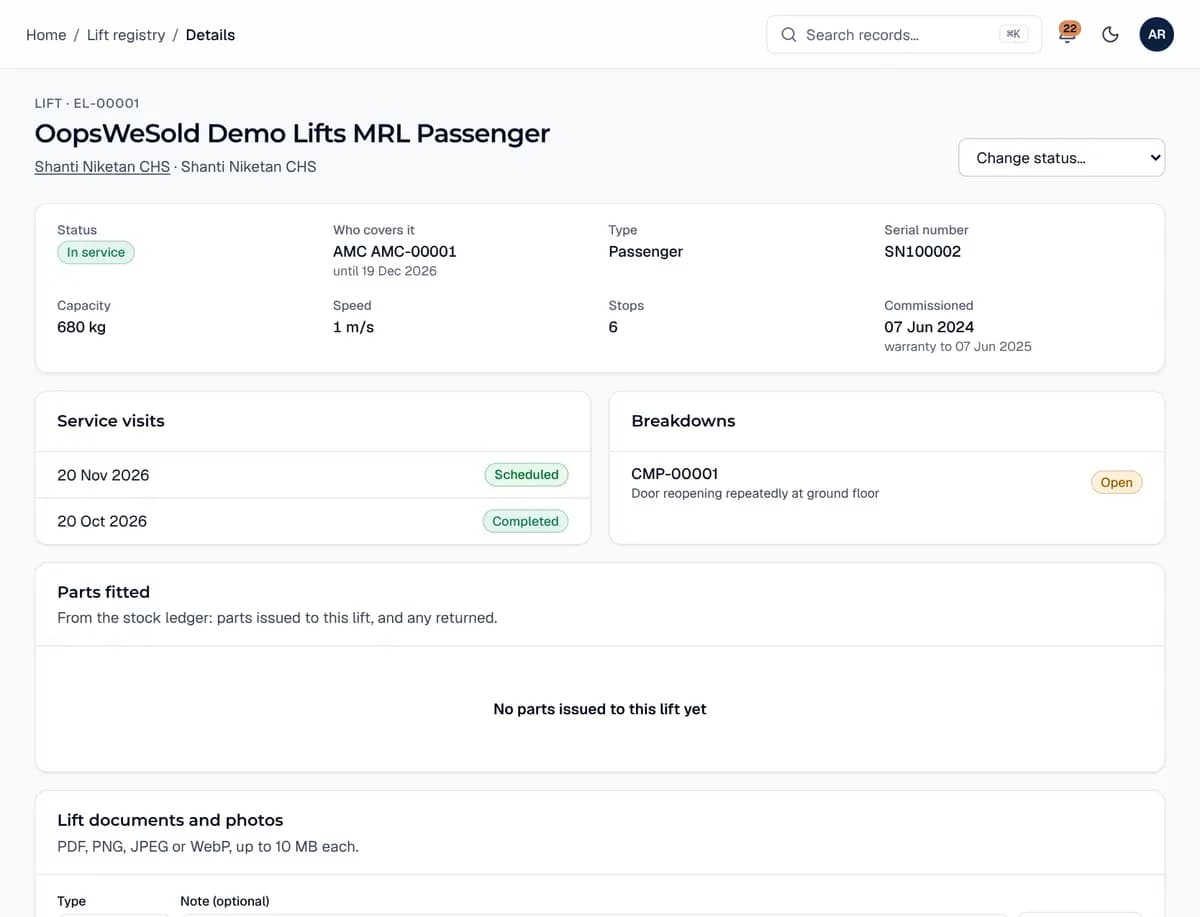
4. After · Service
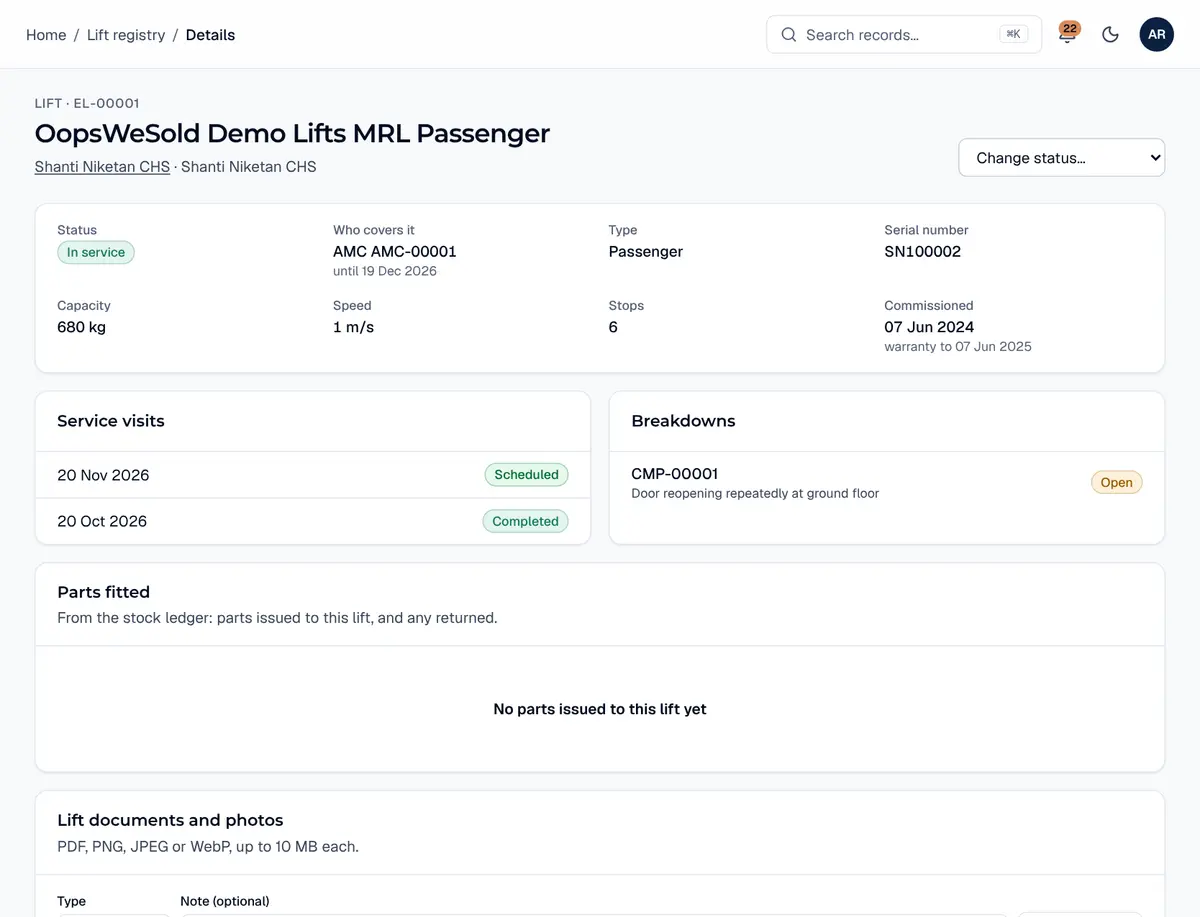
The modernized lift on record
Specification and warranty start again on the lift's page.
What usually goes wrong
- Existing equipment that must be surveyed carefully
- Quotations that differ from new installation
- Jobs for lifts you did not install
- Linking the upgrade back to the lift's record
How OopsWeSold helps
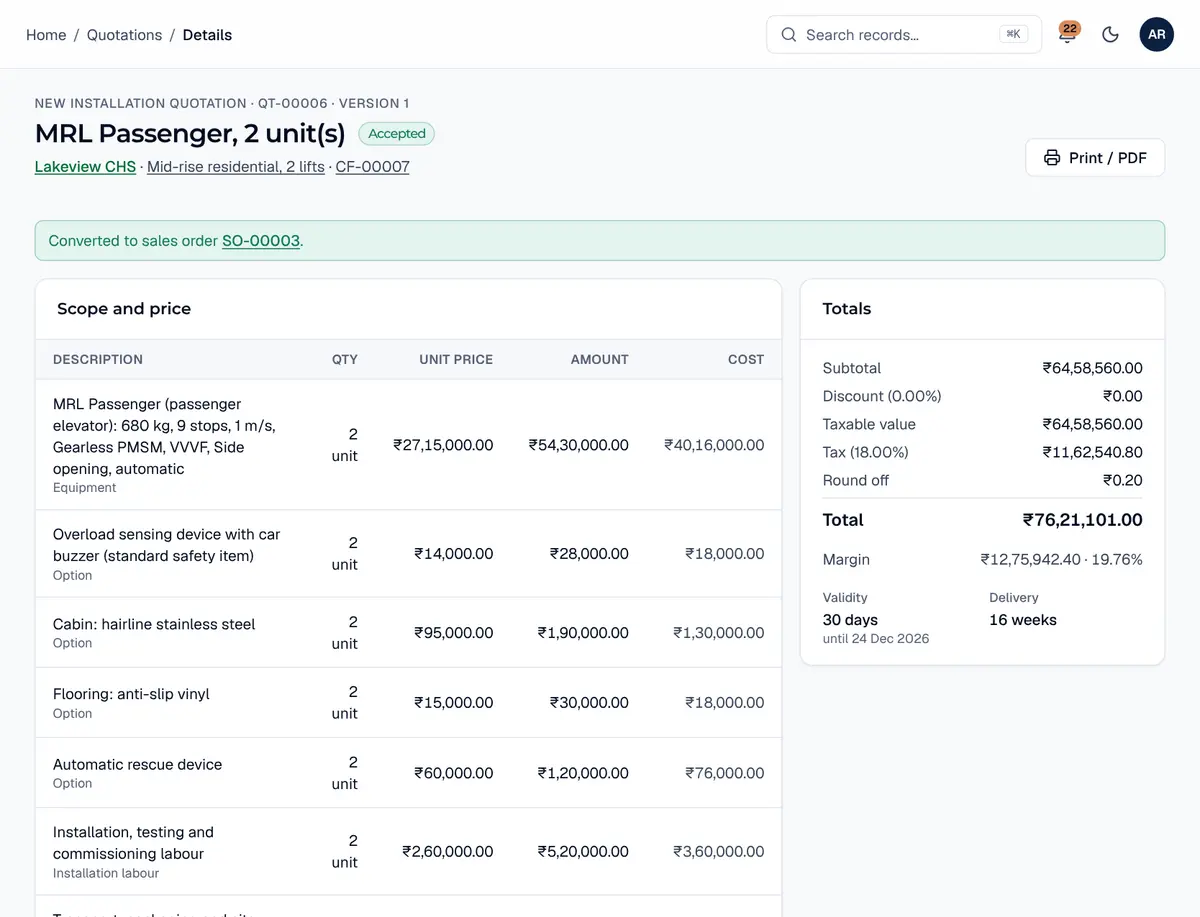
Modernization quotations
A quotation type and template wording for modernization.
Quotation managementAvailable now
Working today
- Modernization family and quotation type
- Spare parts fitted to each lift, with engineering-approved fit for safety-critical parts
- Registry of lifts installed by anyone
Not available yet
- A complete repair and upgrade history for each lift
- Component-level records (parts fitted are listed per lift, not tracked as components)
Questions
Does a modernization update the lift's record automatically?
Not yet. A full upgrade history per lift is planned.