
Implementation
How an elevator company moves in.
Seven steps, in the order that works. Each one is done in the product by the person named; you can do all of it yourself. If you would like help with imports or the catalog, ask during your demo.
Owner
Register the company
Create the workspace with your company's legal name, GSTIN and state. The state decides whether GST is split into CGST and SGST or charged as IGST.
Have ready
- Legal name, GSTIN, state
- An owner email address
Owner
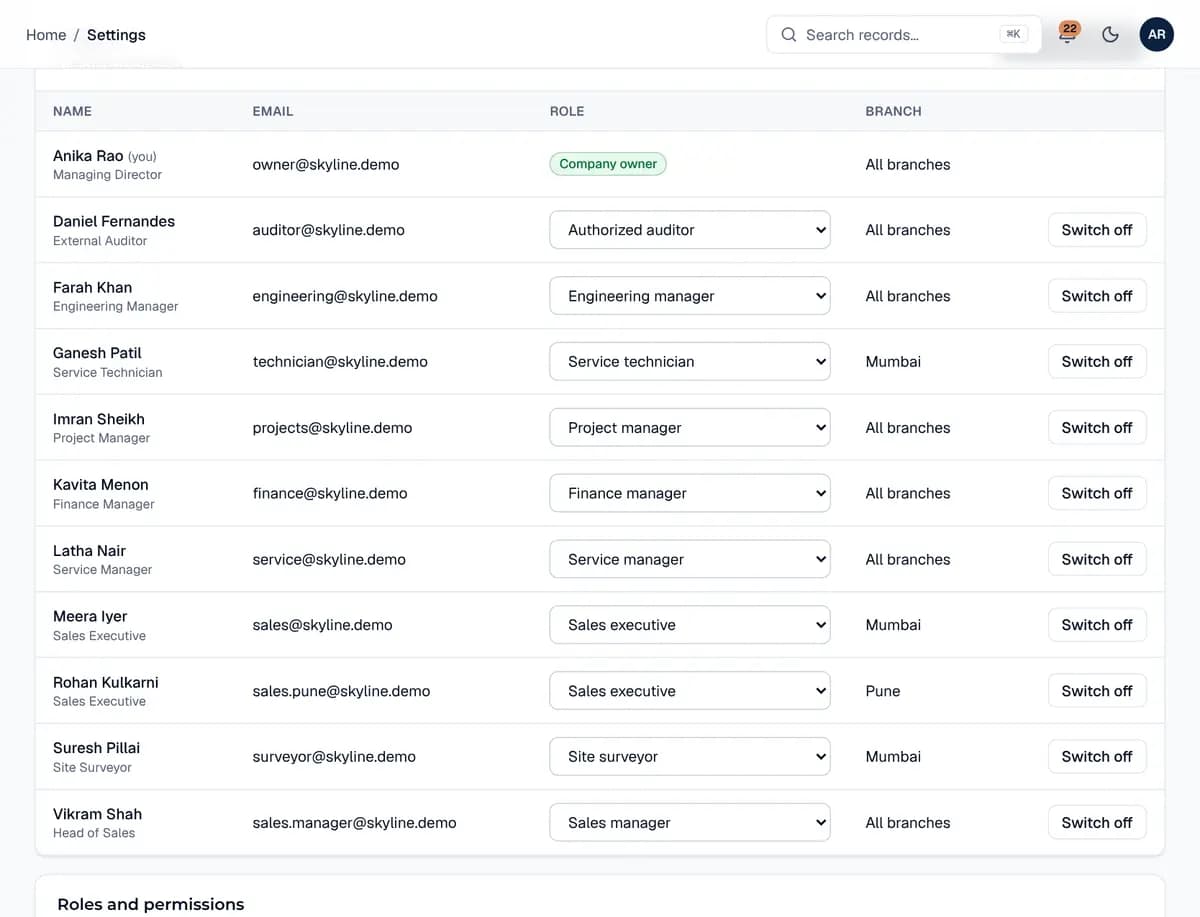
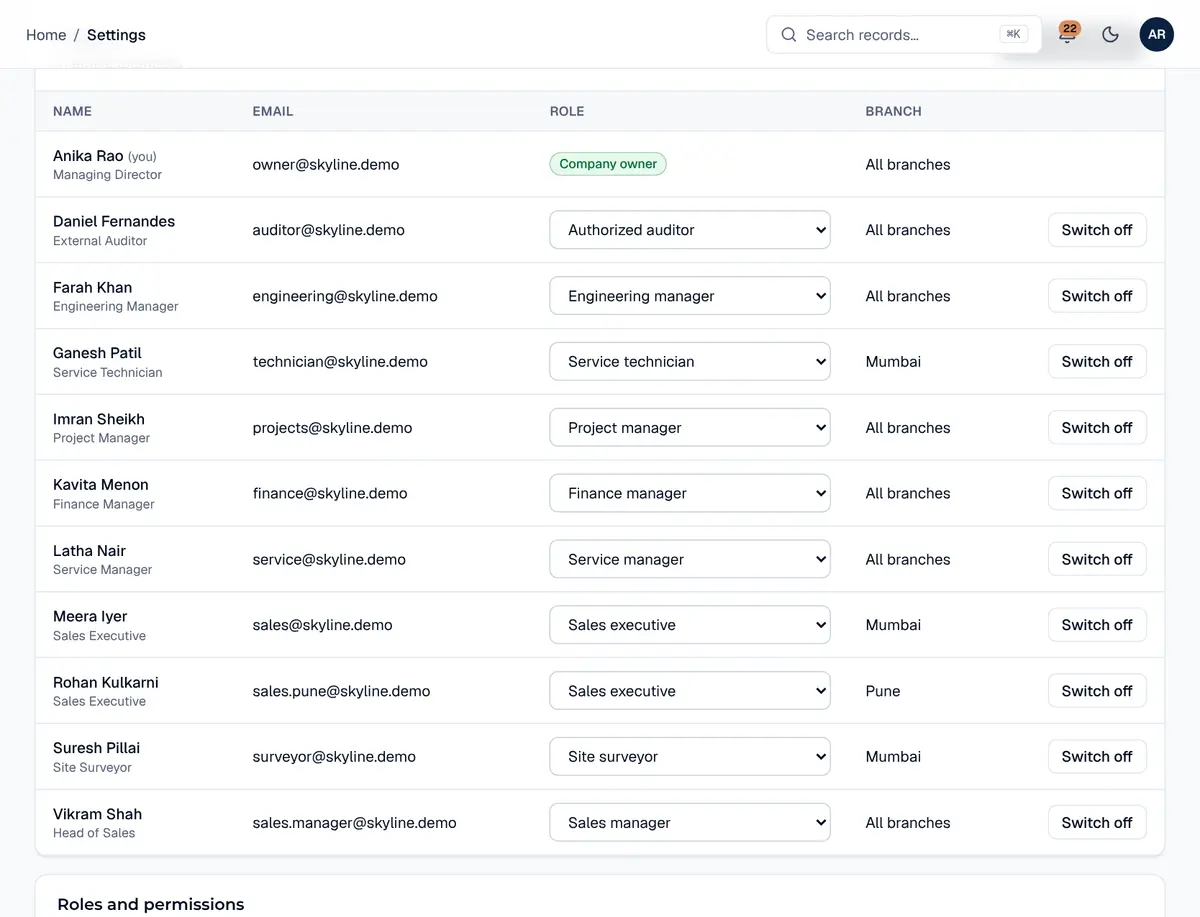
Invite people and set roles
Invite each person with a role (sales, engineering, surveyor, projects, service, technician, finance, auditor) and a branch where it applies.
Have ready
- A list of people and their branches
- Who may approve discounts
Office
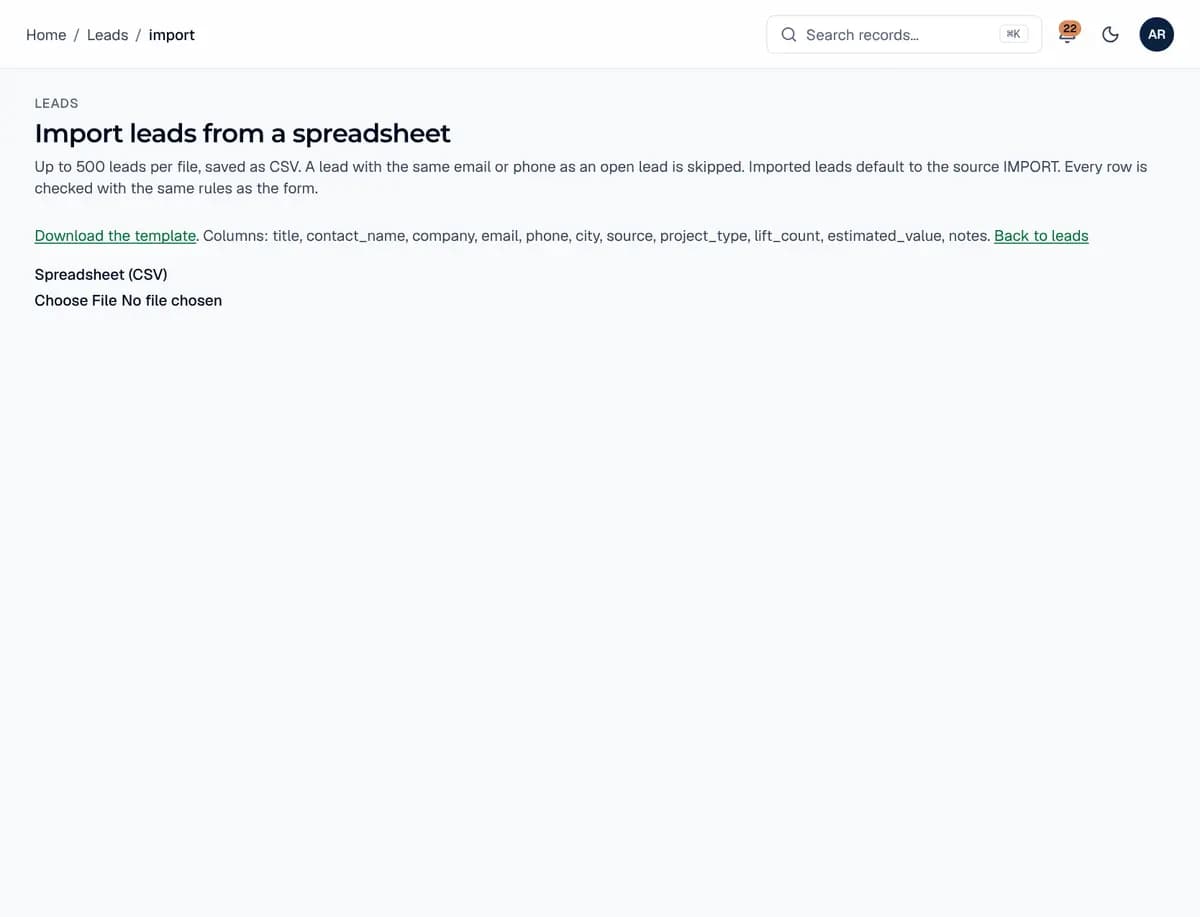
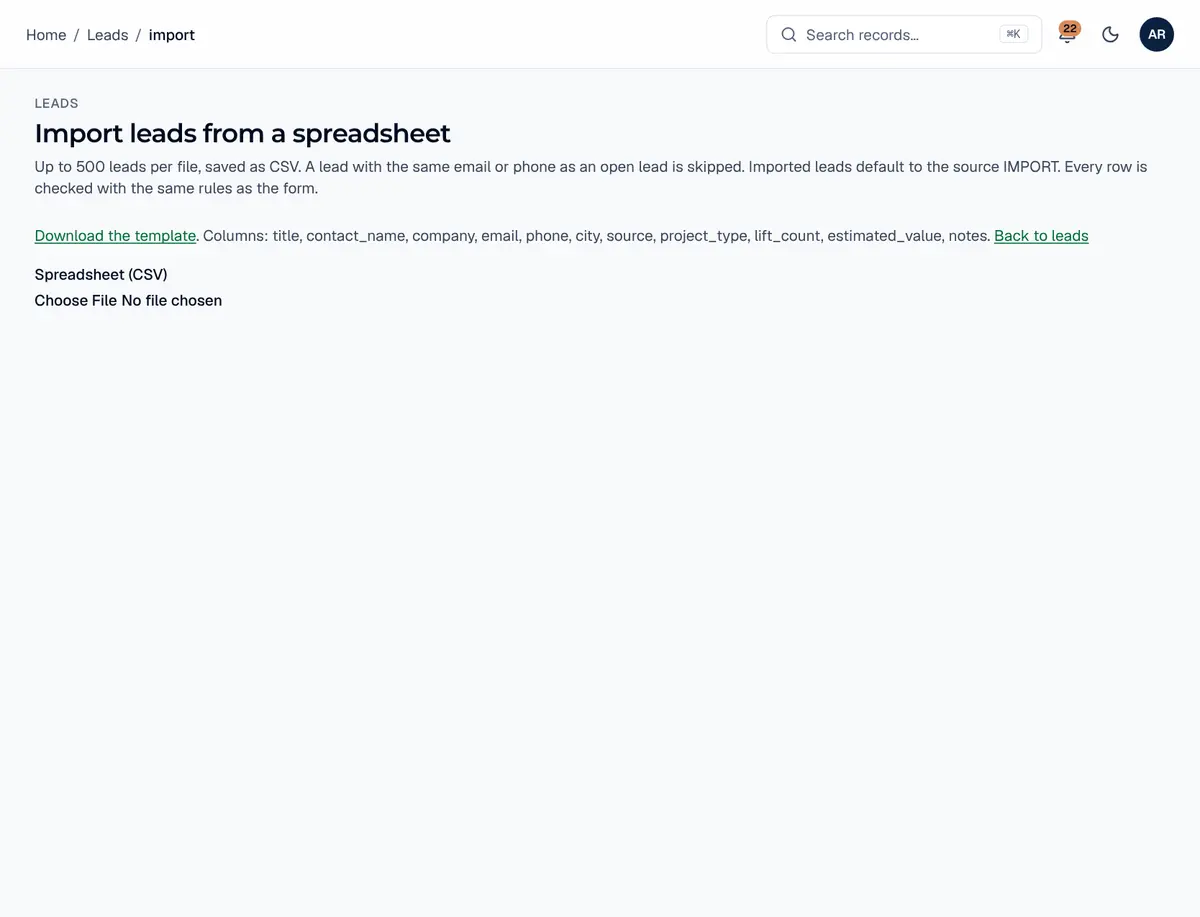
Import customers and leads
Upload a CSV. Every problem row, GSTIN format issue and duplicate is shown first, and nothing is saved until you confirm.
Have ready
- Your current customer and lead sheets
Engineering
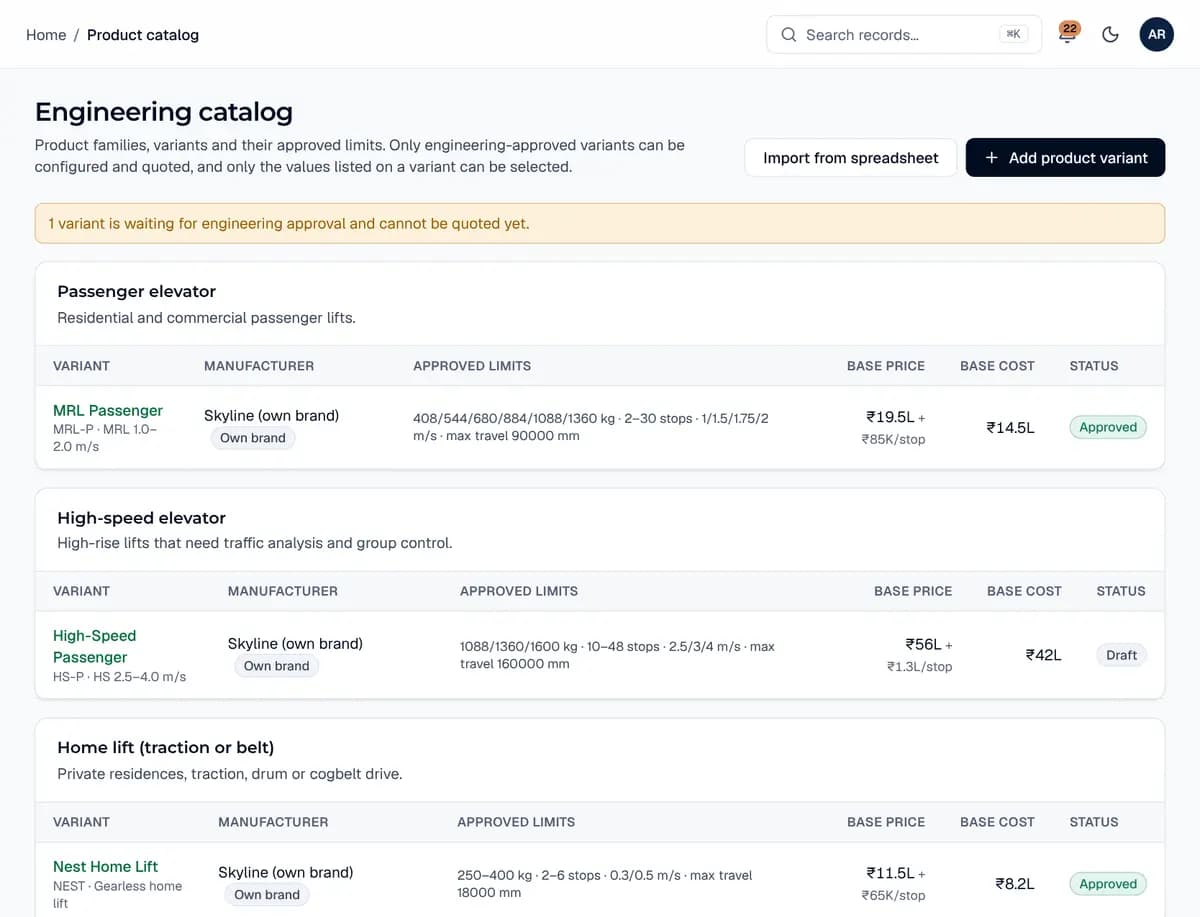
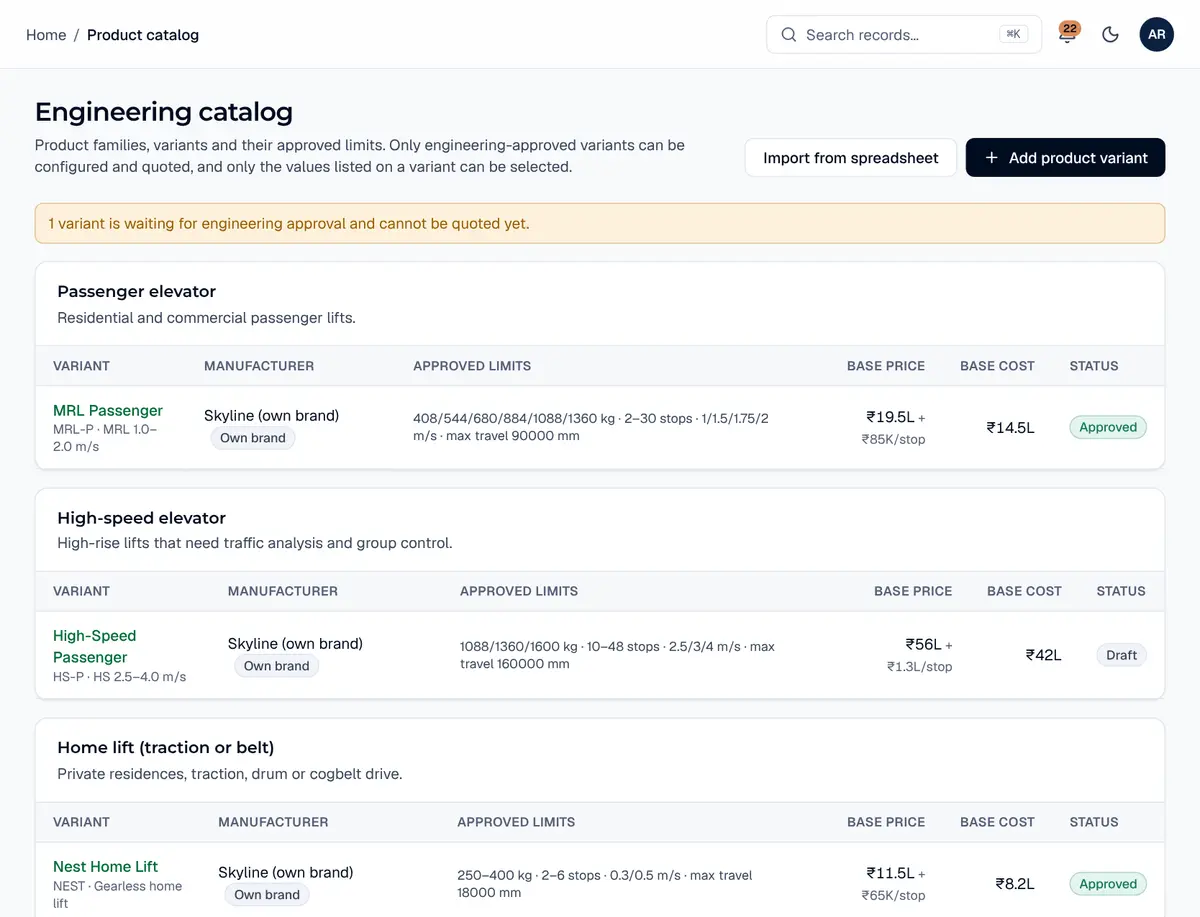
Load and approve the catalog
Add lift families and variants with their approved loads, speeds and dimensions, or import them from a spreadsheet as drafts for engineering to approve.
Have ready
- Your model range and approved values
- Option rules: what requires or excludes what
Sales manager
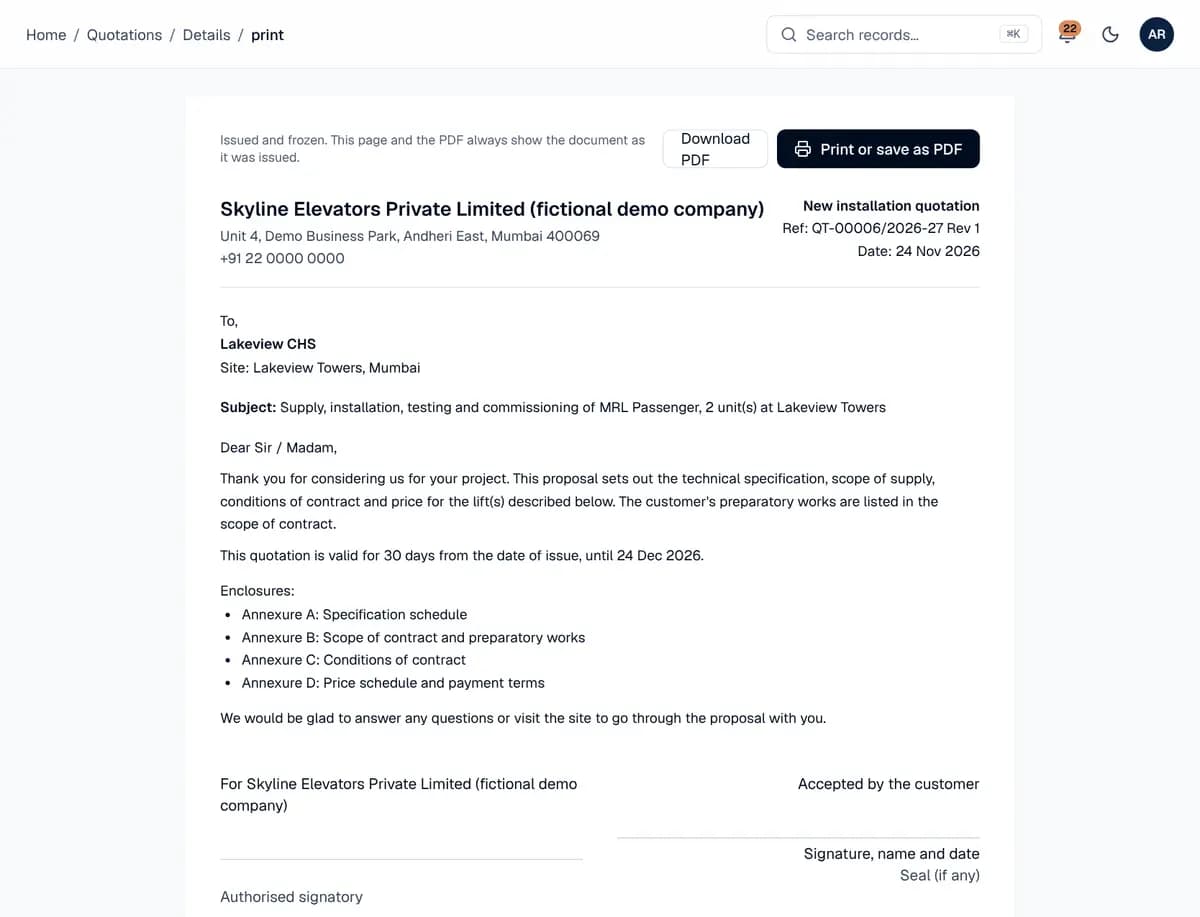
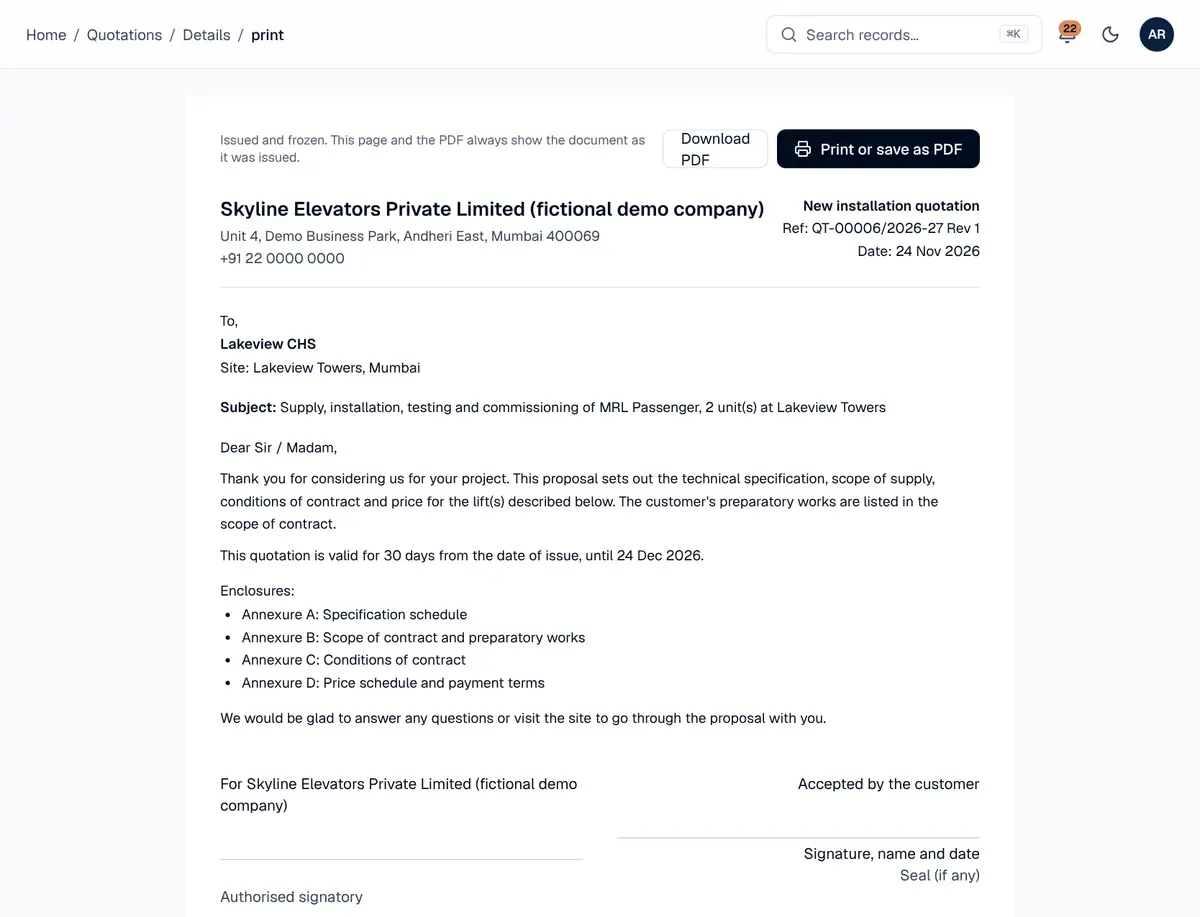
Set the quotation template
Replace the starting text with your approved wording: cover letter, inclusions, exclusions, conditions and bank details.
Have ready
- Your current quotation wording
Finance
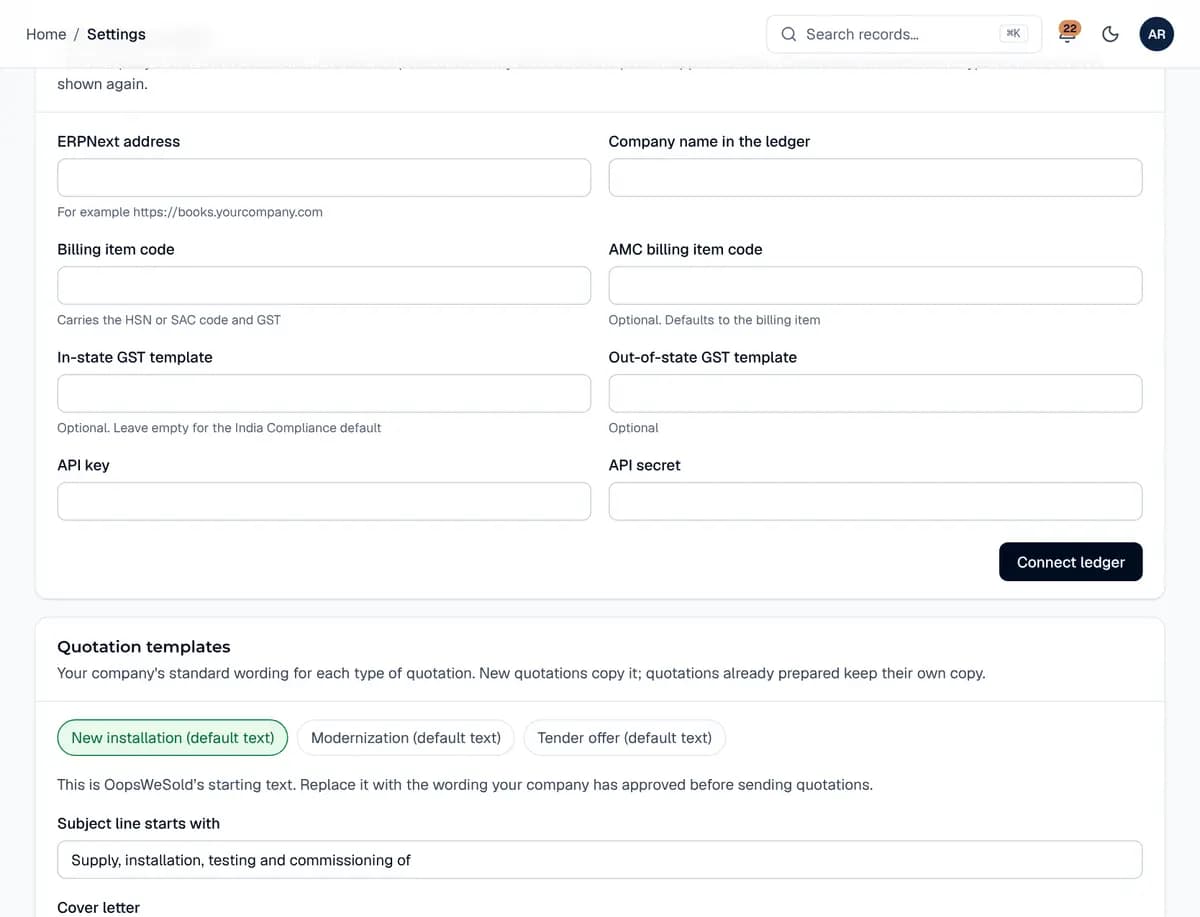
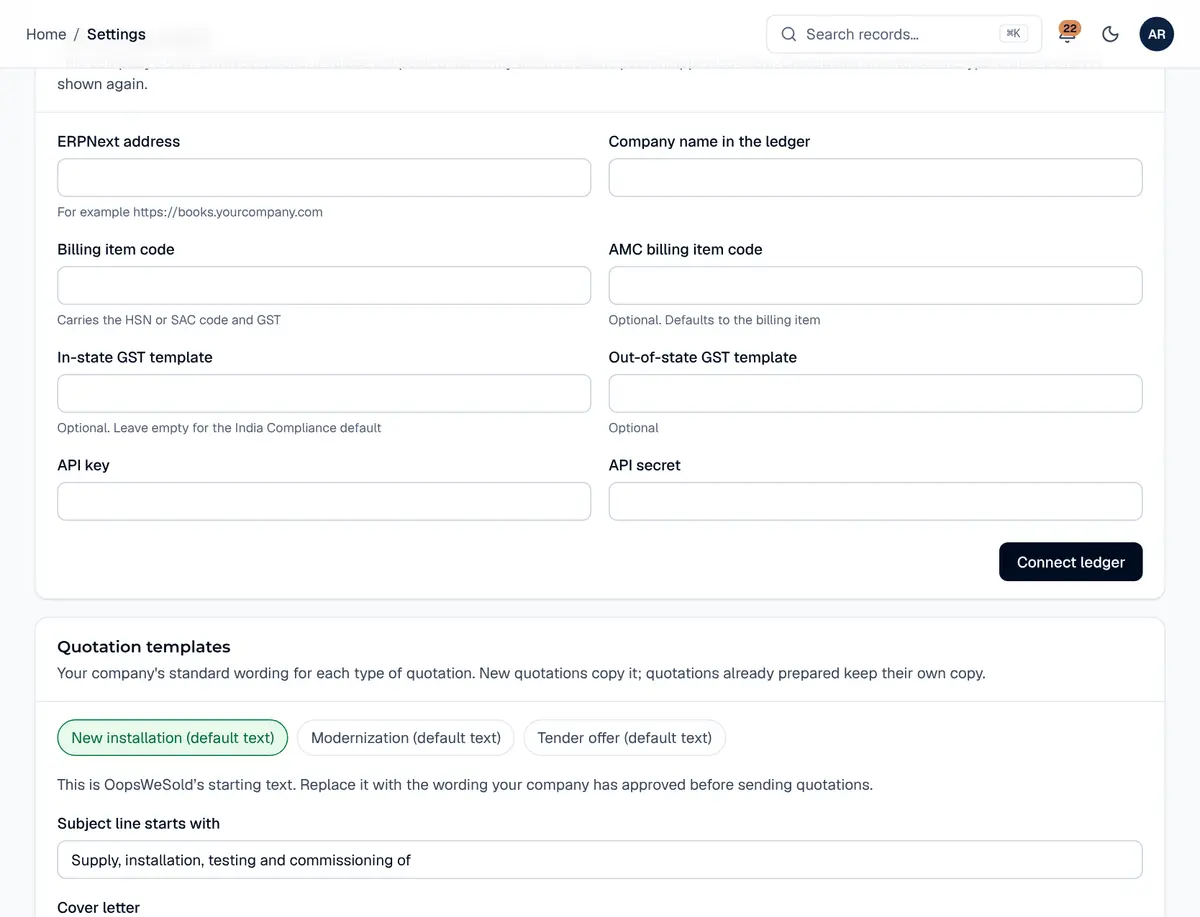
Connect your ledger (optional)
Connect your own ERPNext site to post approved invoices. Credentials are stored encrypted and tested before first use.
Have ready
- An ERPNext site with API access
- Billing item with its HSN or SAC code
Everyone
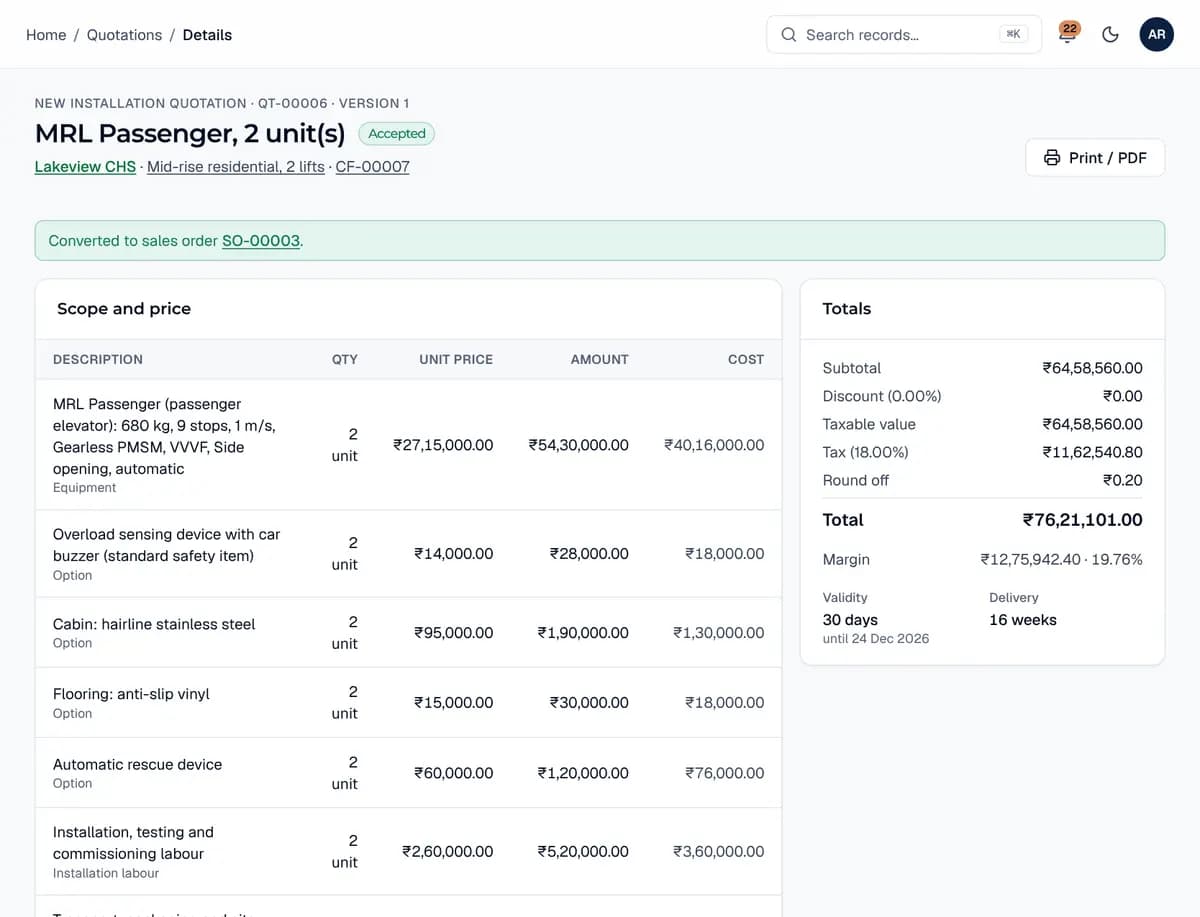
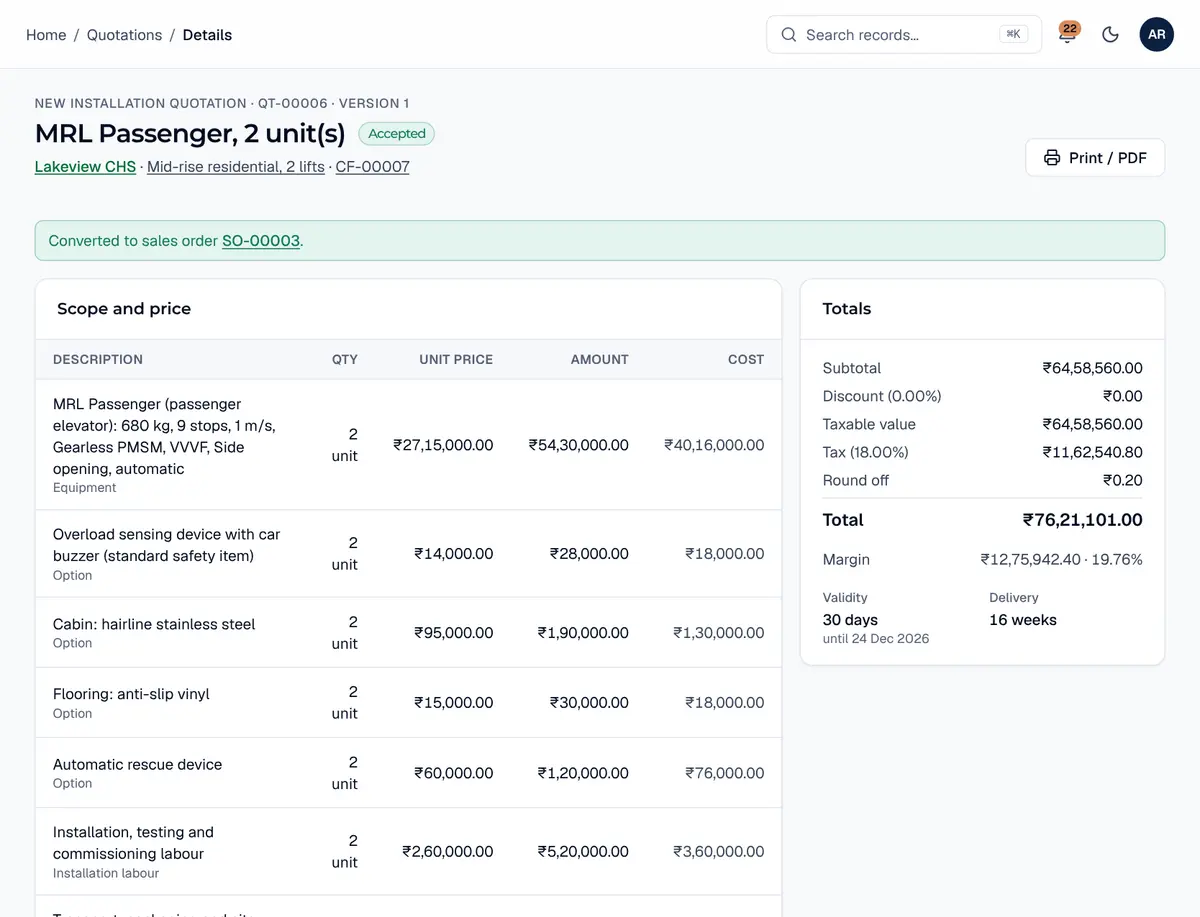
Run the first job end to end
Take one real enquiry through survey, configuration, quotation and approval, so each person sees their part of the chain.
Have ready
- One live enquiry
Ready to start?
Register a trial workspace, or book a demo and we will go through your data and catalog with you.